
CREW COMMUNICATION
Work group chat for staffing agencies.
One conversation per job, shared by the coordinator running it, the Crew Members working it and the client who booked it, inside the software that already holds the job.
Most job updates end up on somebody's personal phone.
A shift moves, a coordinator starts a group text, and the agency's record of that job quietly moves onto a phone it does not own. Three things follow from that, and all three cost money.
The thread belongs to a person
The conversation lives in one coordinator’s messages. The agency has no copy, no access and no say in who is on it.
Nobody else can answer
When that coordinator is on another call, the Crew Member waiting on an answer waits. The next person has no idea what was already said.
It leaves when they leave
A coordinator moves on and the history of every job they ran goes with them, along with the client relationship built inside it.
A channel on the job, not a thread on a phone.
Start it where the work is
Your team opens a channel from any screen, or straight from an order or a job, so the conversation is attached to the work it is about.
Add the people who need it
Pick the Crew Members on that job, the coordinators covering it and the client contact if they belong there. A group channel gets a name so anyone can tell what it is for.
Everyone answers in one place
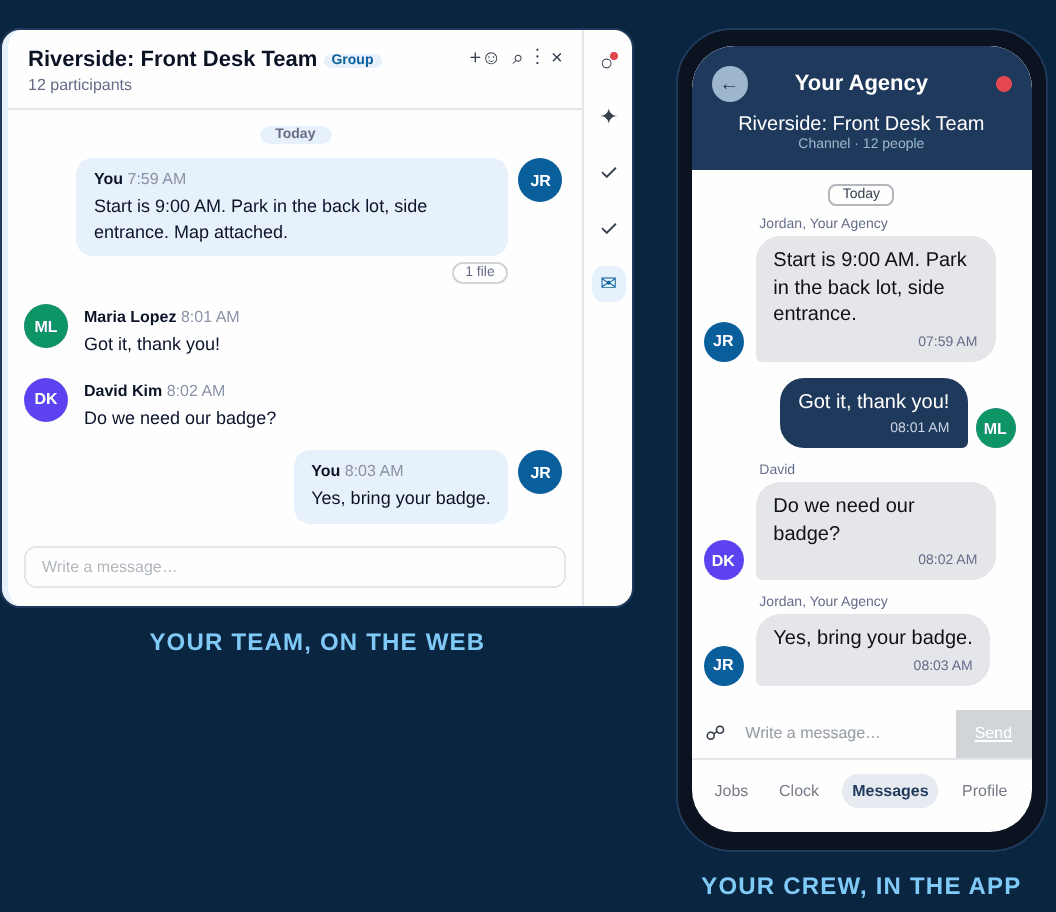
Your team works in the channel on the web, Crew Members reply in the NextCrew app under Messages, and client contacts reply by email. One thread, three surfaces.
Nobody has to install anything new.
The reason group texts win is that they are already on the phone. A channel has to meet the same bar, so each side uses the surface they already use for this agency.
Your team, on the web
Coordinators see every channel they are in from inside NextCrew, next to the order, the job and the Crew Member record the conversation is about.
Your Crew, in the app
Crew Members read and reply in the NextCrew app under Messages, then Channels. The same app they already use for jobs, availability and credentials.
Your client, by email
Client contacts you add get an email and reply straight into the thread. No portal to learn, no login to chase, no separate app to install.
Work group chat rules worth setting before you turn it on.
Chat goes wrong the same way at every agency: too many channels, no owner, and decisions that live nowhere else. These five rules are what keep it useful in month six.
One channel per job, named properly
Not one per client and not one per branch. A channel tied to a single job has an obvious end, and a name means the next coordinator can find it without asking.
Your team decides who is in it
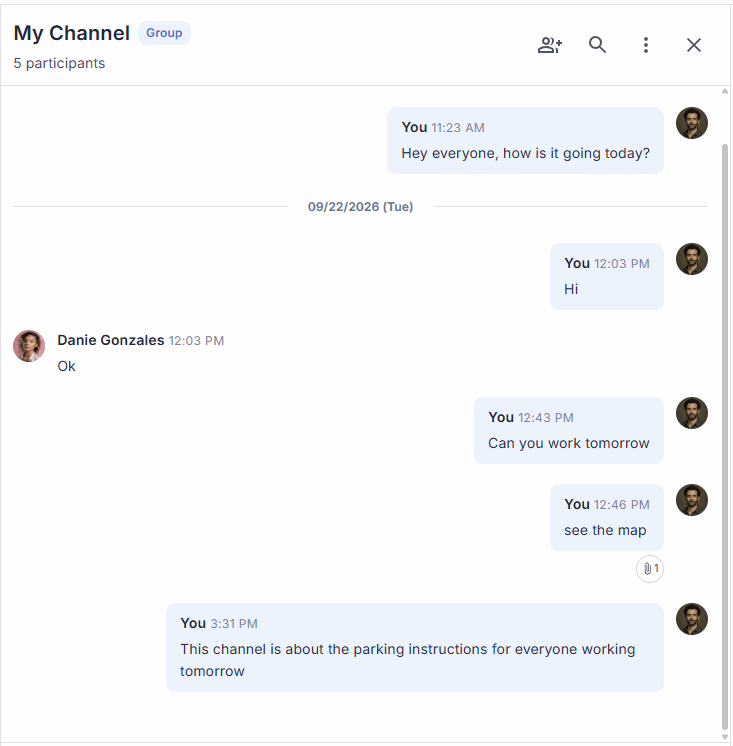
In NextCrew only your team can create a channel and choose its participants. Keep it that way, so a client is never added to a conversation by accident.
Decisions go on the job, not only in chat
A changed start time or a site instruction belongs on the job record. Treat the channel as how people found out, not as where the fact is stored.
Put the client in deliberately
A client in the channel sees everything said after they join. That is often the point, and sometimes exactly what you do not want. Decide per job.
Name what it is not for
Credential problems, pay disputes and anything an agency has to evidence later should route to the people and records that handle them, not sit in a thread.
It is part of the platform, not a chat app bolted on.
The Crew app
Channels sits beside jobs, availability, credentials and pay visibility in the app your Crew already has.
Crew self-service appJob management
A change goes out to everyone assigned, and the questions that come back land on the job instead of in a dozen text threads.
Job management and schedulingChannels, as released
The release notes, the screens your team will see, and what Crew Members need to do on their side.
Channels releaseQuestions About Work Group Chat
From a group text nobody owns to a conversation the agency keeps.
Book a demo and we will run a real job through it, from the coordinator starting the channel to the Crew Member answering on their phone.