
The NextCrew Mobile App.
Find your jobs, clock in, send your hours.
Your staffing agency schedules you through NextCrew. This page is where you download the app, learn how it works, and find out who to contact when you need help.
Download the app free, on iPhone or Android.
The NextCrew mobile app is free to download and free to use. Tap the store for your phone, install it, then sign in with the details your staffing agency gave you.

Will it work on my phone?
- iPhone: you need iOS 14.0 or later. Older iPhones that cannot update to iOS 14 will not be able to install the app.
- Android: open the Google Play link above. If you see an Install button, your phone is supported. If Play says the app is not compatible with your device, it is not.
- Basic phones and some older smartphones cannot run the app at all. If that is your situation, tell your staffing agency. They can still schedule you and take your hours another way.
Everything you need for a job, without a single phone call.
Find and accept jobs
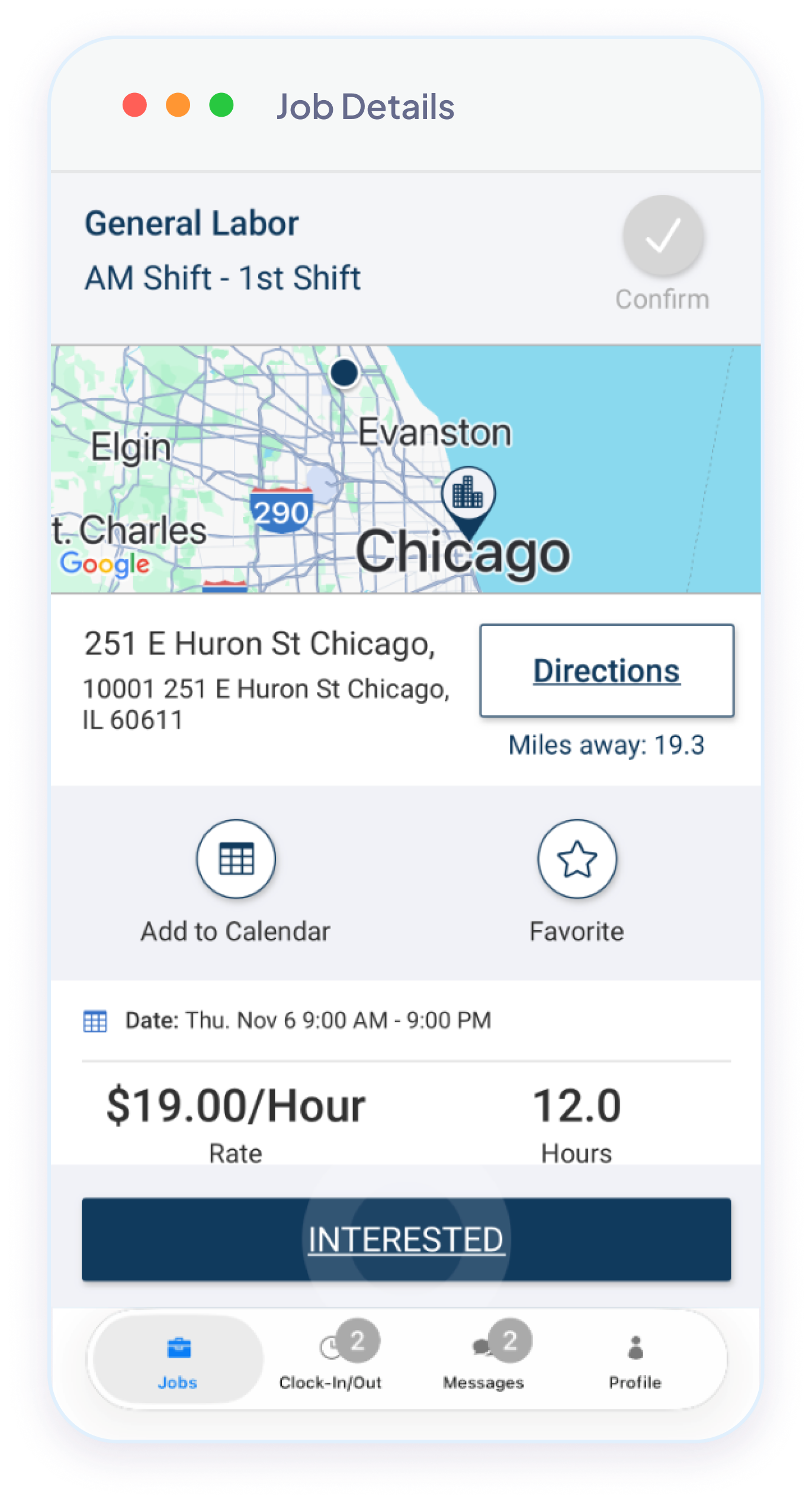
Jobs that match your location, schedule and skills show up automatically. Read the details, accept the ones you want, or save them as favorites for later.
Clock in, clock out, send your hours
Clock in from your phone when you arrive and out when you leave, including breaks, and your coordinator sees you are on site without calling. Then send in your hours from the app, with receipts or photos attached if your agency asks for them.
Sign your onboarding documents
Fill in and sign the hiring documents your agency needs before your first job, right on your phone. No printing, no scanning. Your agency decides which documents you need.
Message your coordinator
Reach the person at your agency who schedules you, right from the app. You can attach a document or a photo to your message.
Keep licenses current
Upload your licenses and certifications and keep the expiration dates up to date, so you stay eligible for the assignments that require them.
Set your availability
Tell your agency when you can work, in a calendar view. Get a reminder before a job starts, directions to the site, and the option to add it to your phone calendar.
Use the app in the language you think in.
The NextCrew mobile app is available in English, Spanish, French, Italian and Traditional Chinese. Change it from your profile settings at any time: your jobs, messages and timesheets all follow.
Short videos that show you exactly what to tap.
Start with the full walkthrough if you are new. The rest answer one question each, in under five minutes.

Getting started with NextCrew
The complete Crew Member walkthrough. Start here. 5:09
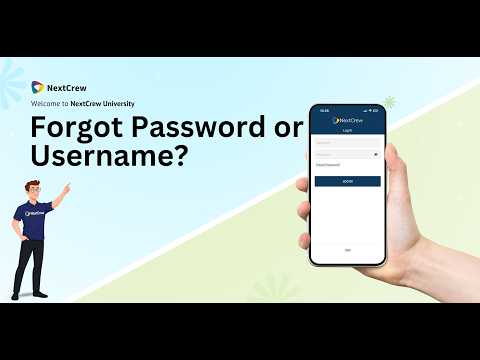
Reset your password
Locked out? This is the fastest way back in. 1:49

Clock in, breaks and timesheets
How your hours get from your phone to your agency. 3:29

Complete your hiring documents
Finish onboarding paperwork on your phone. 4:37
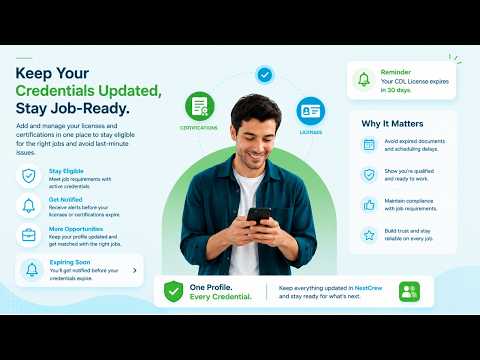
Add licenses and certifications
Stay eligible for the assignments that need them. 2:05

Work with more than one agency
Switch between accounts without signing out. 1:12
NextCrew does not hire Crew Members. Staffing agencies do.
We build the software that staffing agencies use to schedule their people and track their hours. We are not a staffing agency ourselves, so there is no way to apply to NextCrew for work, and no NextCrew job board to sign up for. Your account is created by an agency that hires you.
Apply to a staffing agency
Find an agency that hires for the kind of work you want in your area, and apply with them directly. They decide who they hire.
They set up your account
If the agency uses NextCrew, they will create your account and send you an invitation with your sign-in details. Watch for that email or text.
Download the app and sign in
Install the app from the store for your phone, sign in with the details your agency gave you, and your jobs appear.
Start with your staffing agency. They can fix almost everything.
Your agency employs you, sets your schedule, approves your hours and pays you. They also own your NextCrew account and can see your record. NextCrew builds the software they use, which means we cannot see your pay, change your jobs or reset your account for you.
Contact your staffing agency about
- Your pay, your pay date, or hours that look wrong
- Jobs, schedules, cancellations and time off
- Getting your account set up, or an invitation you never received
- Your name, address, bank or tax details
- Documents, licenses or certifications they need from you
- Anything about the job site, the client or your supervisor
Fastest route: message your coordinator inside the app.
If the app itself is not working
If the app will not install, will not open, crashes, or will not let you sign in even with the right details, try this order:
- Update the app in the App Store or Google Play, then restart your phone
- If you cannot sign in, use the reset password video above
- Still stuck? Tell your agency. They can raise it with NextCrew on your behalf, with the account details we need to investigate
- To report a bug directly to us, open Settings in the app and tap Send App Feedback
- If you cannot open the app at all, email [email protected] with your agency's name, your phone model and what happens when you try. We can help with the app itself, not with pay, hours or your account
Crew Member questions
We can only help with the app itself. We cannot see your pay, your timesheets or your schedule, and we cannot change your account. Your staffing agency owns all of that, so anything about pay, hours, jobs or your personal details goes to them.
Run a staffing agency?
This is the app your Crew would use. See what the rest of the platform does for the people scheduling them.