
Benefits of a Client Self-Service Portal for Staffing Agencies
Updated
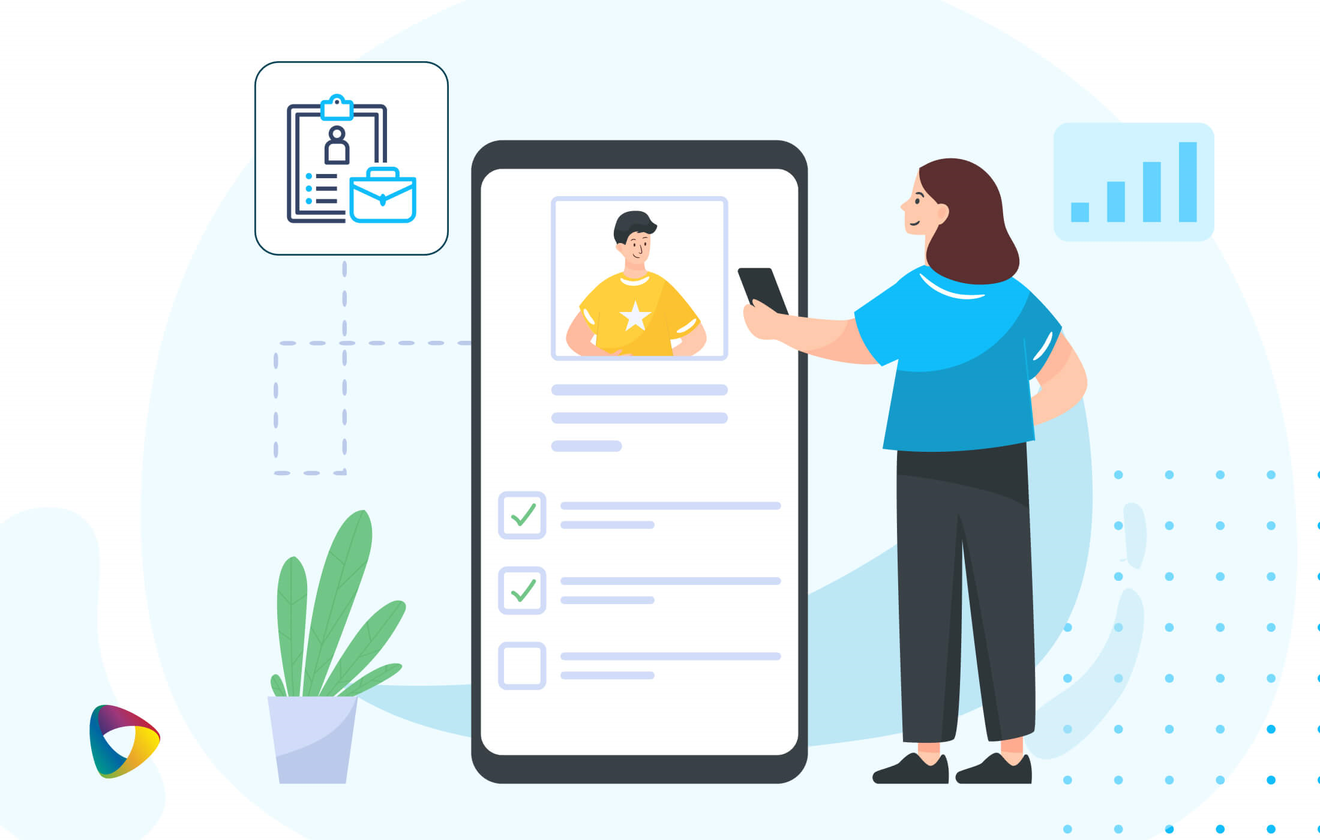
A client self-service portal lets a staffing agency's clients post job requests, track order status, approve timesheets and see reporting themselves, at any hour, without emailing or phoning the agency for each step. Clients get speed and visibility; the agency gets orders that arrive complete, faster approvals and coordinator time back for the relationship.
Receiving orders by email and text is slow and invites mistakes. A request typed into a message, then re-typed into your scheduling board, can lose a detail at each step. And as client numbers grow, personal attention gets harder to give. A client self-service portal fixes the routine, so your team can focus on what needs a person.
Key takeaways
- Clients act on their own schedule. Job requests, status checks and approvals happen when they need them, including evenings and weekends.
- Orders arrive right the first time. The client enters the details, so nothing is lost between an email and your system.
- Approval gets faster. Timesheets approved in the portal reach payroll and invoicing sooner.
- The account manager stays. The portal handles routine requests; your people handle everything that needs judgment.
What does a client self-service portal do?
It gives the client direct access to the four things they usually call about.
- Job requests, entered in full at any hour, which start matching straight away.
- Order and shift status, showing which roles are filled and who has accepted.
- Timesheet approval, with hours reviewed and approved in a few clicks.
- Real-time reporting on orders, hours and spend, without waiting for the agency to send it.
What are the benefits for clients?
Speed, visibility and control.
| Benefit | What it means for the client |
|---|---|
| Easy access to request staff | Order extra Crew Members themselves, without waiting for a call back |
| One place for everything | Requests, status and timesheets together, not spread across email threads |
| Information on demand | Check an order or a timesheet at any hour, not only during office hours |
| Their preferred people | Mark Crew Members they want back, so familiar faces fill their shifts first |
What are the benefits for the staffing agency?
Capacity, accuracy and a faster route from order to invoice.
- Faster fills. Orders arrive complete and go straight into matching, so jobs are filled sooner.
- Fewer errors. No re-typing from emails means fewer wrong dates, locations and headcounts.
- Faster billing. Approved timesheets flow into payroll and invoicing without chasing.
- Coordinator time back. Fewer status calls and follow-up emails, and more time for the client conversations that drive repeat business.
- A stronger offer. Clients increasingly expect self-service, and offering it well sets you apart when they compare agencies.
Which industries benefit most?
Any industry where orders are frequent, urgent or seasonal.
Hospitality staffing
A hotel or restaurant manager needing extra servers or housekeeping for a busy weekend or a large event can request them in the portal and see who has accepted, without waiting for the agency to call back. See hospitality staffing software.
Healthcare staffing
When a facility has an unexpected vacancy, a manager can request a clinician straight away and see it being filled, with credentials visible to the agency before anyone is confirmed. See healthcare staffing software.
Education staffing
School administrators covering absences can request substitute teachers and support staff as soon as they know they need them, often early in the morning, without waiting for the agency to open.
Do not overdo it
Self-service works best when it removes friction the client already feels. Start with job requests and timesheet approval, and keep the account manager clearly in place. The steps below are the decisions to make before the first client logs in.
What should you decide before turning self-service on?
Decide the scope, the exception path and the measure of success before the first client logs in, because retrofitting those decisions after launch is how portals get abandoned. Seven things are worth settling in advance.
-
1
Pick one task and finish it
Usually timesheet approval. One task that works end to end beats three that each need a phone call to complete.
-
2
Write the exception path down
Late cancellations, disputed hours, a request nobody accepts. Decide who picks these up and how the client reaches them, then show that route inside the portal.
-
3
Keep the account manager visible
A named contact on every screen, and a check-in rhythm that does not depend on something going wrong. Efficiency should not read as distance.
-
4
Assume it will be used on a phone
The person approving hours or booking cover is rarely at a desk. If the portal is awkward on a small screen it will not be adopted, however good the desktop version is.
-
5
Measure adoption, not activation
Accounts created tells you nothing. Watch the share of requests and approvals arriving through the portal, and the time from shift end to approved hours.
-
6
Prepare your own team first
Coordinators need to know what the portal does, what it refuses, and what they now own. A client who gets a confident answer on the first exception keeps using the portal.
-
7
Size it to each client
Not every client needs every feature on day one. Start everyone with job requests and timesheet approval; give long-standing clients a private talent pool so they can request the Crew Members they already trust by name; add ratings once someone on your team is ready to act on them.
Bottom line: A client self-service portal gives clients speed and visibility and gives your agency complete orders, faster approvals and time back. Keep the routine in the portal and the relationship with your people.
Ready to introduce it? See how to pitch a client portal your clients will use. NextCrew's client portal is part of the on-demand staffing marketplace.
See the client portal your clients would use
Walk through job requests, live shift status and timesheet approval from the client's side, in a live demonstration built around your own accounts.
Book a demo