
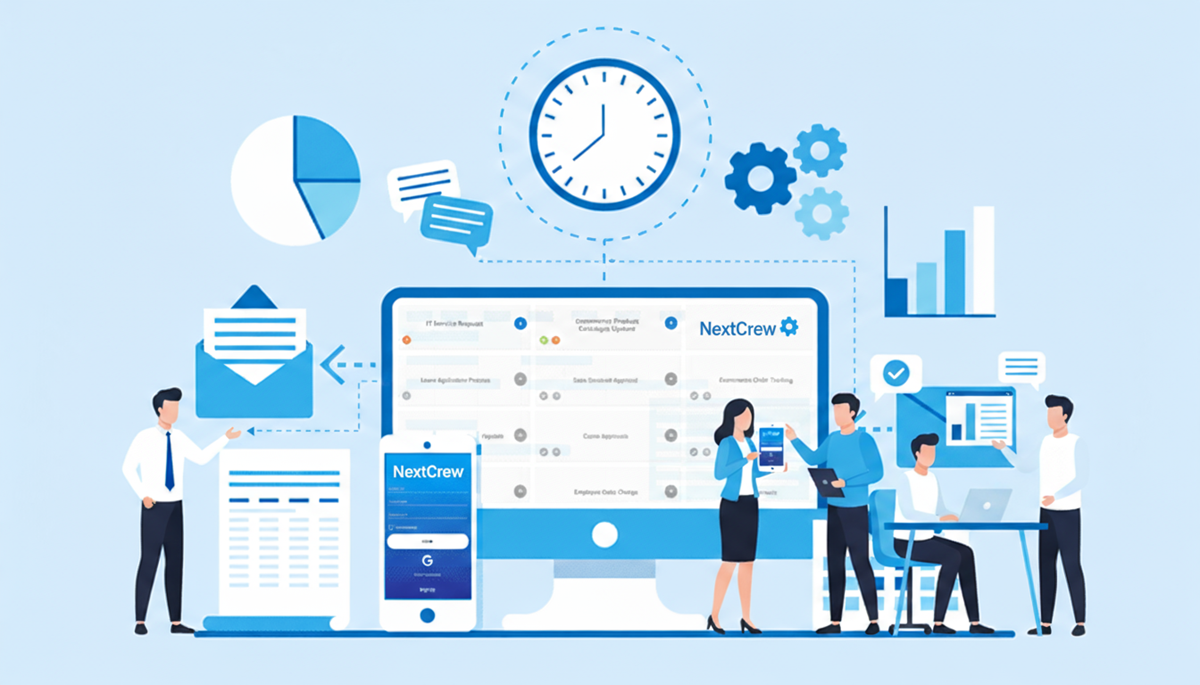
How AI-Powered Workflow Automation Is Changing Staffing Agencies
Updated
AI-powered workflow automation helps staffing agencies most in seven places: responding to applicants, onboarding, filling jobs, running the day, tracking compliance, reporting KPIs and re-engaging inactive Crew Members. It does not replace recruiters. It takes the repetitive steps off their desk so they can spend their time on relationships and decisions.
Many agencies still run on manual workflows because change takes effort and resources. But the agencies that grow without adding headcount at the same rate are the ones that automate the routine. This guide walks through each workflow, then covers how to implement automation without disrupting your team.
Key takeaways
- Start with the workflow that hurts most. Automate one, measure it, then expand.
- AI flags, surfaces and ranks; people decide. Automation proposes; your team makes the call.
- Clean data comes first. Automation is only as good as the records it works from.
- Treat it as a practice, not a project. Review and refine the workflows as your agency changes.
How does automation speed up recruiting?
By responding to every applicant immediately and moving qualified ones forward without a recruiter having to start each step. As soon as a candidate applies, an automated message acknowledges the application and asks for role-specific information. Based on the answers, qualified candidates are offered interview times. Recruiters spend their time on the candidates worth talking to, rather than on acknowledgments and calendar invitations.
How does automation simplify onboarding?
It sends the right documents for the job, client and location, tracks progress and chases what is missing. Automated onboarding updates compliance records as each step is completed and remind candidates automatically. For the detail, see high-volume onboarding best practices.
How does automation fill jobs faster?
It finds who is available, qualified and nearby, and puts the job in front of them straight away. Keeping groups by region and skill and texting people one at a time does not scale. AI-assisted matching ranks Crew Members by availability, skills and distance, and open jobs appear directly in the Crew app for them to claim. The coordinator reviews and confirms. See smart job matching for what good matching data looks like.
How does automation help daily operations?
It warns you about problems while there is still time to act.
- Shift reminders sent automatically before every assignment.
- Alerts for late arrivals and missed check-ins.
- Open shifts re-sent to qualified Crew Members when someone cancels.
How does automation help with compliance?
It keeps every expiry visible across the pool and flags what is lapsing well ahead. Crew Members are notified before a credential expires and can upload the renewal from their phone, and records stay current without someone updating a spreadsheet. That makes it easier to operate across industries and locations with confidence.
How does automation handle KPI reporting?
It delivers the numbers on a schedule, so nobody has to build the report. Fill rate, time to fill, margin and client performance arrive regularly from the same data your teams work in. Business intelligence reporting that updates itself means decisions are made on current numbers rather than last month's spreadsheet.
How does automation keep your pool engaged?
With well-timed nudges to Crew Members who have gone quiet. Set an automatic message for anyone who has not logged in or accepted a shift for a set period. A friendly note with open shifts near them is often enough to bring someone back, which costs far less than recruiting a replacement.
Why is automation the practical way to scale?
Because adding people in proportion to volume adds cost, and eventually adds bottlenecks. AI staffing automation lets the same team handle more placements, reduces the administrative load that eats into margin, and lets you flex up and down with demand. It is also central to why on-demand staffing will keep growing: agencies can only serve short-notice demand if their workflows keep up.
How do you implement automation the right way?
-
1
Map your workflows and set goals
List recruiting, onboarding, scheduling, compliance and reporting, and mark where time is lost. Start with the biggest pain point.
-
2
Get your team involved early
Explain what changes for recruiters and coordinators, not just for the business. Teams that understand why adopt faster.
-
3
Choose a platform that connects everything
Look for one that covers the whole workflow and connects to the tools you keep. Clean up candidate and job data first; see data hygiene for staffing agencies. Check that it meets your labor, privacy and security requirements.
-
4
Pilot one workflow
Automate screening or onboarding first, measure the time saved and gather feedback before expanding.
-
5
Review and refine
Track the metrics, listen to users and adjust. Automation is never set and forget.
Bottom line: AI-powered workflow automation changes what a staffing agency can handle with the team it has. Start with one workflow, keep people making the decisions, and build from there.
For more on AI in staffing, see mastering AI for staffing agencies. NextCrew's AI staffing software brings these workflows into one platform.
See AI workflow automation on your own process
Tell us which workflow costs your team the most time, and we will show it automated in NextCrew in a live demonstration.
Book a demo