
From Chaos to Clarity: Solving Credentialing in Healthcare Staffing
Updated
Healthcare staffing credentialing slows down for four reasons: tracking lives in spreadsheets, clinicians cannot upload their own documents, systems do not talk to each other, and expiries are caught late. Fix those four with role-based checklists, clinician self-service, automatic license verification and a dashboard that keeps every expiry visible across the pool, and credentialing becomes a routine instead of a scramble.
Credentialing decides how fast a clinician can start, how confident a facility is in your agency, and how an audit goes. Yet many agencies still run it on email, shared drives and reminders someone has to remember to send. This guide covers what credentialing involves, where it breaks, what to automate first and how to measure whether it is working.
Key takeaways
- Credentialing is a speed problem as much as a compliance one. Every day a file sits incomplete is a day the clinician cannot work and you cannot bill.
- Most delay comes from chasing documents. Let clinicians upload and update their own credentials from their phone, with reminders sent automatically.
- Verify licenses at the source. For nurses, a Nursys integration checks license status without anyone looking it up by hand.
- See expiries early. Keep every expiry visible across the pool and flag what is lapsing well ahead, so renewals happen before they affect a placement.
- Track three numbers. Time to credential, expiries caught ahead of time and recruiter hours spent on follow-up.
What does healthcare staffing credentialing include?
It is the work of confirming that each clinician holds every qualification the role, the facility and the location require, and keeping that true for as long as they work with you. Requirements vary by role, facility and location, but the core usually includes:
- Professional licenses and certifications, verified at the source where possible.
- Background checks and drug screening, as the role and facility require.
- Immunization and health records, kept current for the facility's policy.
- Skills and competency checklists, matched to the specialty and unit.
- Ongoing monitoring of expiry and renewal dates for everything above.
Clinicians who work across several facilities or locations add another layer: different facilities ask for different documents, and a checklist that was complete for one assignment may not be for the next.
Why does credentialing take so long?
Because the process depends on people chasing paper between systems that do not share data. Four failure points come up again and again:
| Where it breaks | What it looks like | What fixes it |
|---|---|---|
| Manual tracking | Status in spreadsheets and shared drives; files lost or duplicated | One credential record per clinician, in the system you schedule from |
| No clinician self-service | Recruiters email for missing documents; clinicians resend by reply | A portal and mobile app where clinicians upload and update their own documents |
| Disconnected systems | Recruiting, credentialing and scheduling each hold part of the picture | Credentials visible at the point of scheduling, not in a separate tool |
| Late expiry discovery | A lapsed license found during onboarding or after assignment | Every expiry visible across the pool, with lapsing items flagged well ahead |
What happens when credentials are not managed well?
The cost shows up in placements, revenue and trust long before it shows up in an audit. Placements are delayed while a file is completed, which means shifts go unfilled and days go unbilled. Facilities lose confidence when a clinician arrives with a gap in their paperwork. Recruiters spend their time chasing documents instead of placing people, and that is a common reason good recruiters leave. And when an audit or a client review comes, incomplete records are hard to defend.
Which credentialing tasks should you automate first?
The tasks that are repetitive, rule-based and currently done by someone copying information from one place to another. In practice, six:
-
1
Document collection through self-service
Clinicians upload licenses, certifications and health records from a secure portal or mobile app. Automatic reminders ask for what is missing, so recruiters do not have to.
-
2
Expiry alerts
Clinicians and recruiters are notified as a license or certification approaches expiry, early enough to renew without affecting upcoming shifts.
-
3
License verification at the source
With the Nursys integration, RN and LPN license status is checked against the nursing boards' data instead of looked up by hand.
-
4
A live compliance dashboard
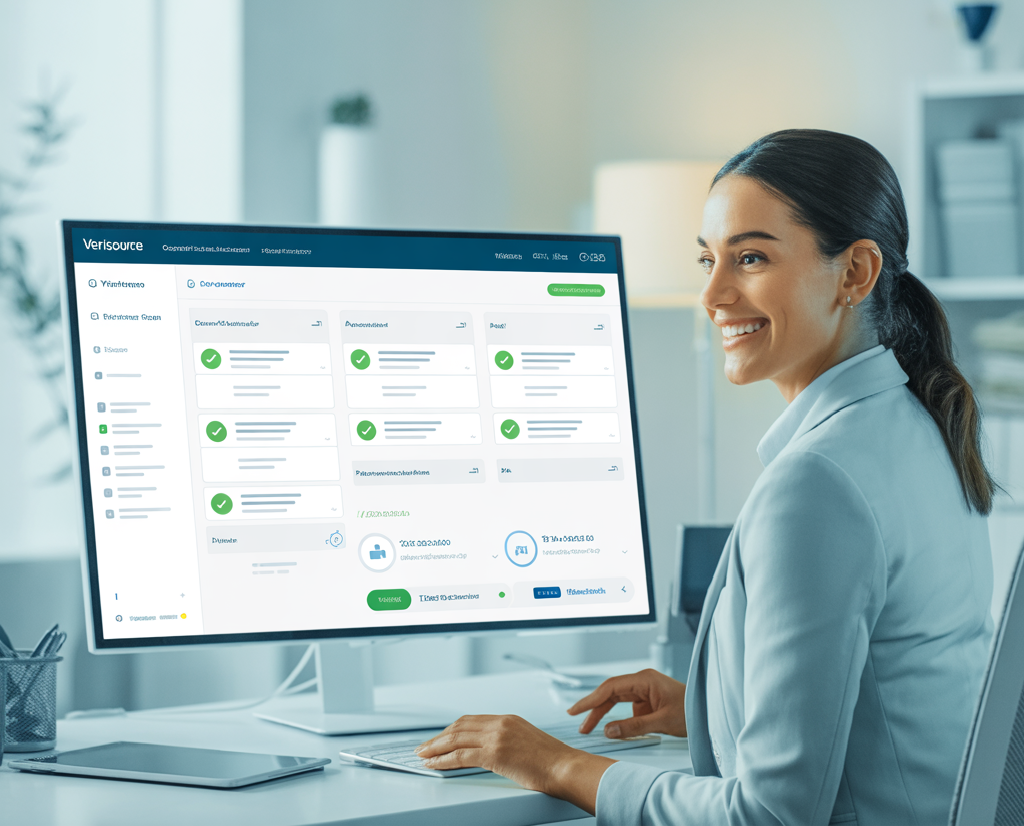
Every credential's status in one view. Audits become a review of a screen rather than a hunt through folders.
-
5
Role-based checklists
Checklists generated from the role and the facility's requirements, so a clinician moving to a new facility is asked for exactly what that facility needs.
-
6
Task lists for recruiters
Follow-ups assigned and tracked, so nothing depends on memory during a busy week.
Keep humans in the decision
Automation should collect, check and flag. The decision to place a clinician stays with a person who can see the full record. A system that flags a lapsing certification and shows it beside the clinician's name when scheduling gives your team what they need to decide well.
Which integrations make credentialing easier?
The ones that remove a manual lookup or a re-typed record. Credentialing software is most useful when it connects to the sources you already rely on.
| Integration | What it does |
|---|---|
| Nursys license verification | Checks nurse license status against the nursing boards' data, without manual lookups |
| Skills and competency checklists | Keeps specialty checklists current on each clinician's profile |
| Background screening and drug testing | Orders screens from inside the workflow and returns results to the clinician's record |
| Mobile document upload | Lets clinicians submit and update documents from their phone |
| Expiry and renewal reminders | Sends notices to clinicians and recruiters ahead of each expiry |
How do you build a credentialing workflow that scales?
Standardize first, then automate, then measure. Standardize the required documents by role and location so there is never a question about what is needed. Move credential tracking out of spreadsheets and into the same healthcare staffing software you schedule from. Turn on clinician self-service through HR self-service. Then track three numbers: average time to credential, the share of expiries caught ahead of time, and recruiter hours spent on follow-up. Those three will show you where automation is paying off and where it is not yet.
Bottom line: Credentialing does not have to be chaotic. Give clinicians a way to manage their own documents, verify licenses at the source, keep every expiry visible and let your team spend its time placing people instead of chasing paper.
Credentialing is one part of running per diem healthcare staffing well. See where per diem nurse staffing is heading, how automation helps locum tenens agencies, and how to strengthen your Crew compliance process for the wider picture.
See credentialing without the chasing
Watch a clinician upload a license from their phone, a Nursys check come back and the expiry appear on the compliance dashboard, in a live demonstration.
Book a demo